You want your family and home protected, but you don’t want to overspend or drown in technical jargon. This is the CCTV setup we recommend for a typical Indian home in 2026 — practical, reliable, and easy to buy as a complete package.
Table of Contents
The ideal home setup at a glance
For most independent houses, the sweet spot is 4 cameras, an 8-channel recorder, and a 1–2TB hard disk, with a small UPS for backup. That covers your gate, front door, back door and compound, gives you room to add two more cameras later, and keeps a week or more of footage.
Which cameras for a home?
Stick with HD analog cameras for a home unless you specifically want IP features — they’re affordable, dependable and simple. Choose 2MP for tight budgets or 5MP if you want to zoom into faces at the gate; our resolution guide explains the trade-off. Use bullet cameras outside as a visible deterrent and dome cameras indoors. For stronger night identification, compare infrared, full-colour and dual-light models at the distance and lighting conditions found around your home.
Wired CCTV vs WiFi cameras for a home
A wired DVR or NVR system is usually the better foundation when you need several cameras, central storage and consistent recording. WiFi cameras are convenient for one or two locations where cabling is difficult, but each camera still needs reliable power and wireless coverage. A hybrid plan can use a recorder for core entrances and a WiFi CCTV camera for an additional indoor view.
| Requirement | Usually better fit |
|---|---|
| Four or more permanent views | Wired DVR/NVR system |
| One room with strong WiFi | WiFi camera |
| Central multi-camera playback | DVR/NVR system |
| Rental property with minimal cabling | WiFi cameras, subject to power and signal |
Where to place home CCTV cameras
- Gate or driveway: aim for a useful approach angle rather than a very wide sky-heavy view.
- Main door: capture faces before a visitor reaches the door.
- Side and rear access: cover less-visible entry routes and utility areas.
- Parking: balance a vehicle overview with the detail needed for people approaching it.
- Indoor shared area: use only where necessary and respect household privacy.
Mounting too high can reduce facial detail, while direct sunlight or headlights can create difficult contrast. Test every planned view during daytime and after dark before finalising the position.
The recorder and storage
An 8-channel DVR gives you four spare channels to grow into. Pair it with a 1TB or 2TB surveillance hard disk — retention varies with resolution, frame rate, compression, motion schedule and recording mode. Use the storage calculator before selecting capacity. If you want more history, size up; our storage guide has the full chart.
The part everyone forgets: power backup
In India, power cuts are common — and a CCTV that switches off during a cut is exactly when you least want a gap in footage. A correctly sized UPS can keep the cameras, recorder and router running during outages within its rated load and battery runtime. We explain why this matters in this guide to CCTV and power cuts.
Want to view it on your phone?
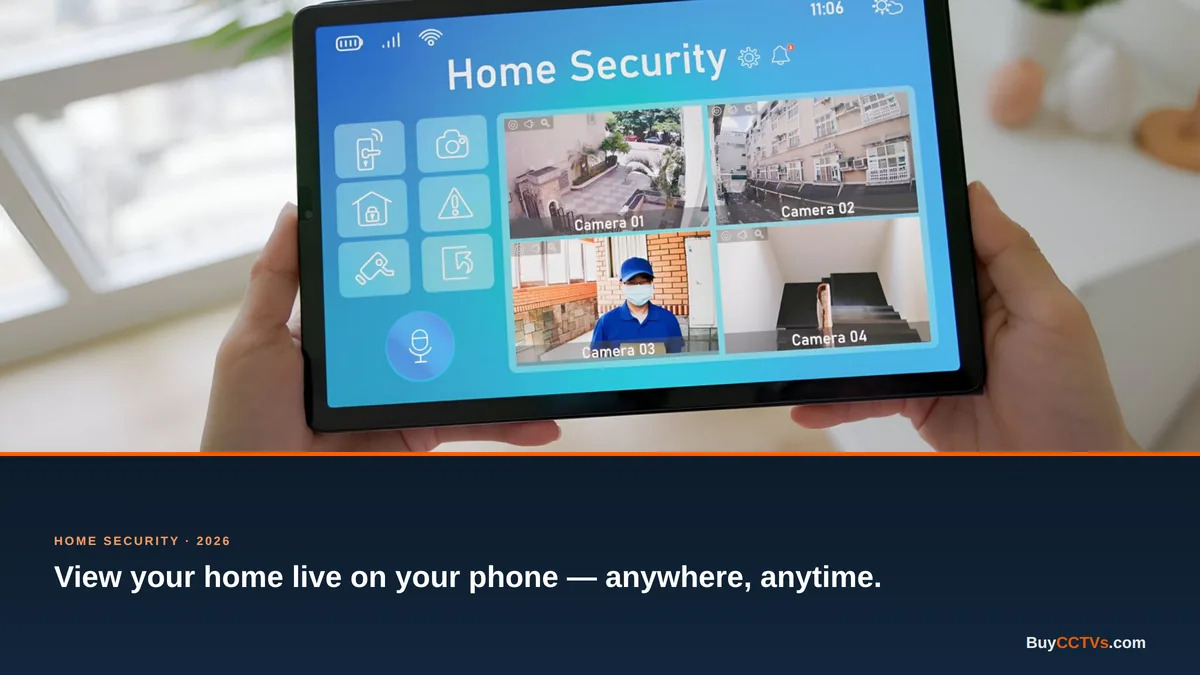
Connect your DVR to your home WiFi router and you can watch live and recorded footage from anywhere on a free mobile app. No internet at the property? A 4G SIM router puts your system online using mobile data.
Home CCTV budget checklist
| Item | Recommended |
|---|---|
| Cameras | 4 × 2MP or 5MP (bullet + dome) |
| Recorder | 8-channel DVR |
| Storage | 1–2TB surveillance HDD |
| Backup | Small UPS |
| Cabling | Coax + power / ready-made kit |
Secure remote viewing
Change default passwords, use unique credentials, enable supported multi-factor protection and keep the recorder or camera firmware updated. Give app access only to trusted household members and remove old phones or accounts. Remote viewing should be convenient without making the system easy to access.
Installation-day checklist
- Confirm every entrance and blind spot on a simple floor plan.
- Test daytime and night identification at the required distance.
- Set the correct date, time zone and recording schedule.
- Check hard-disk health and verify playback from every channel.
- Test app alerts and remote playback outside the home network.
- Switch off mains power briefly to validate backup behaviour safely.
- Save installer and warranty details for future maintenance.
How many cameras for your exact layout?
Four is typical, but your home may need more or fewer. Walk through our room-by-room planning guide to nail the count with no blind spots.
If the layout needs five fixed views—for example a gate, front door, parking area, side access and rear access—compare current 5-camera CCTV sets for home. Each listed kit uses a standard 8-channel DVR or NVR, leaving room for later expansion.
Frequently asked questions
What’s a good budget for home CCTV?
A quality 4-camera home system with recorder, disk and backup is very affordable in 2026 — message us for a current package price for your home.
Do I need an electrician to install it?
Cabling is best done by an installer, but the system itself is simple. We guide you through setup and can suggest local installation.
Will it keep recording if the power goes out?
Only when every required component—cameras, recorder and network equipment where needed—has adequate backup power. Runtime depends on the UPS load and battery capacity.
Browse complete home systems in our store, or tell us your home’s layout on WhatsApp and we’ll build the exact package for you.
Compare the complete CP Plus EzyKam camera range for indoor WiFi, outdoor WiFi and 4G SIM options.
Need wider room or entrance coverage? Compare PTZ CCTV cameras by indoor/outdoor use, zoom and connection type.
Home CCTV With Mobile Viewing
For app access without running a signal cable to every camera, review WiFi and 4G CCTV camera prices together with night vision, voice recording and two-way audio options, storage and power requirements. WiFi suits locations with a dependable router signal; 4G SIM models can suit sites without fixed broadband.
Complete CCTV Sets for Home
For a matched wired installation, compare home CCTV camera set prices by camera count, DVR or NVR type, storage and included accessories. Check each package because monitors, installation labour and site-specific materials are not automatically included.
Comparing a specific brand for home use? Browse Hikvision CCTV cameras for home security and verify resolution, night vision, audio, recorder and storage compatibility on the exact model page.
If CP Plus is on your shortlist, compare the main CP Plus CCTV camera range after deciding the home locations, camera type and recording requirement.
For a matched home package, compare current CCTV camera full set prices in India by camera count, HD or IP technology, storage and night-vision features.
For home cameras that record locally without a DVR or NVR, browse compatible CCTV memory cards for security cameras and confirm the supported capacity on the exact camera page.
Prefer app-based indoor or outdoor monitoring? Browse the current Trueview WiFi camera range and confirm signal strength, power, supported storage and app features for the exact model.